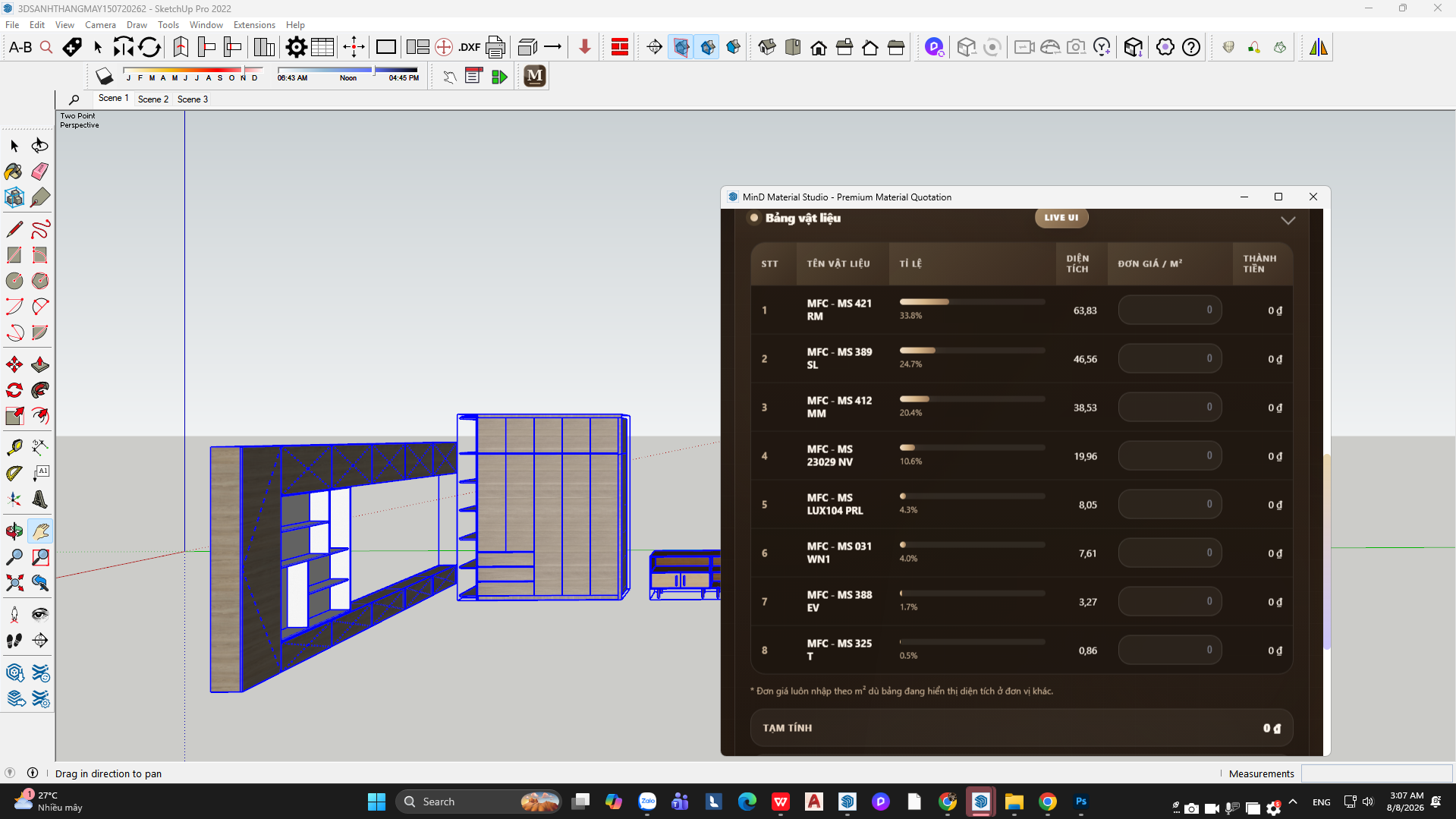

Mind Material Area (Premium)
v1.0.0 · SketchUp 2022 – 2026
Automatically calculate material areas and estimate wood panels right inside SketchUp — with absolute precision for professional workflows.

Version 7.0.0

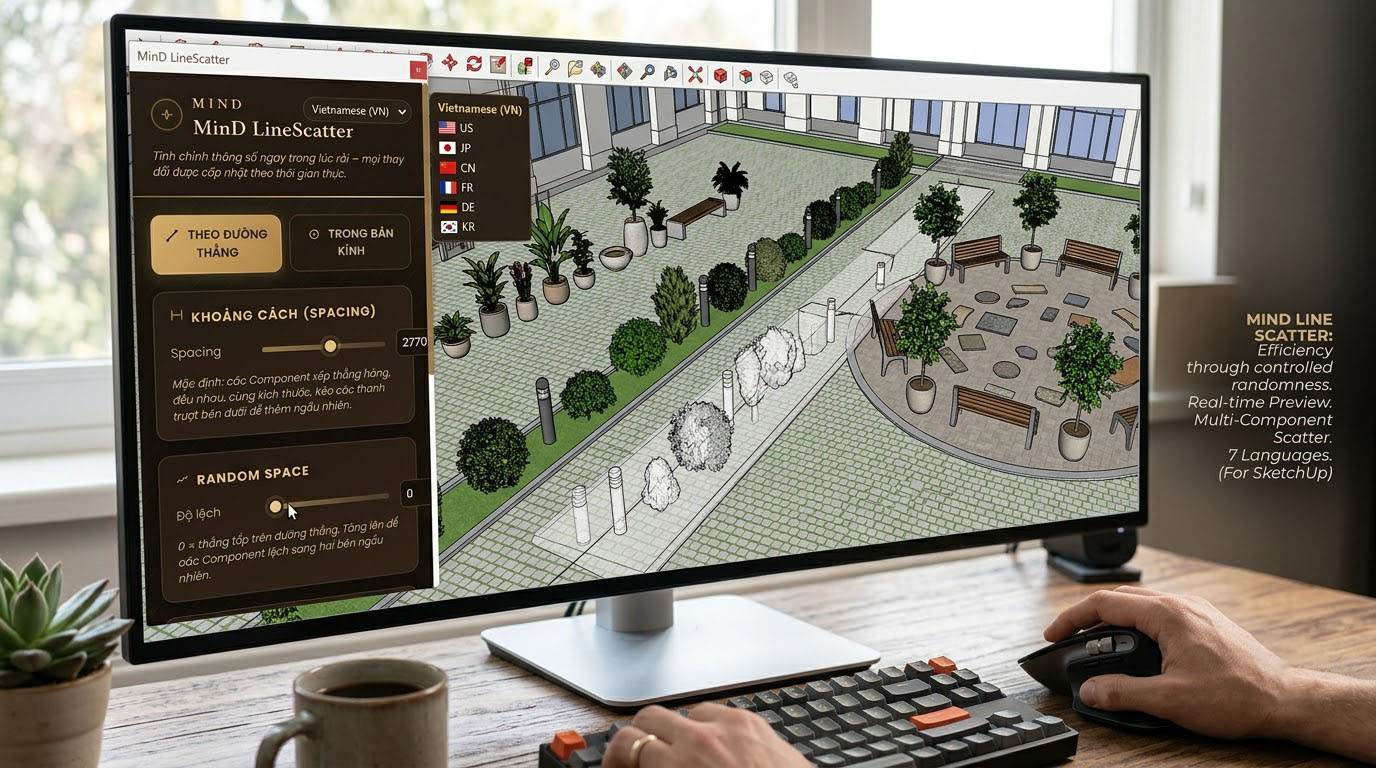
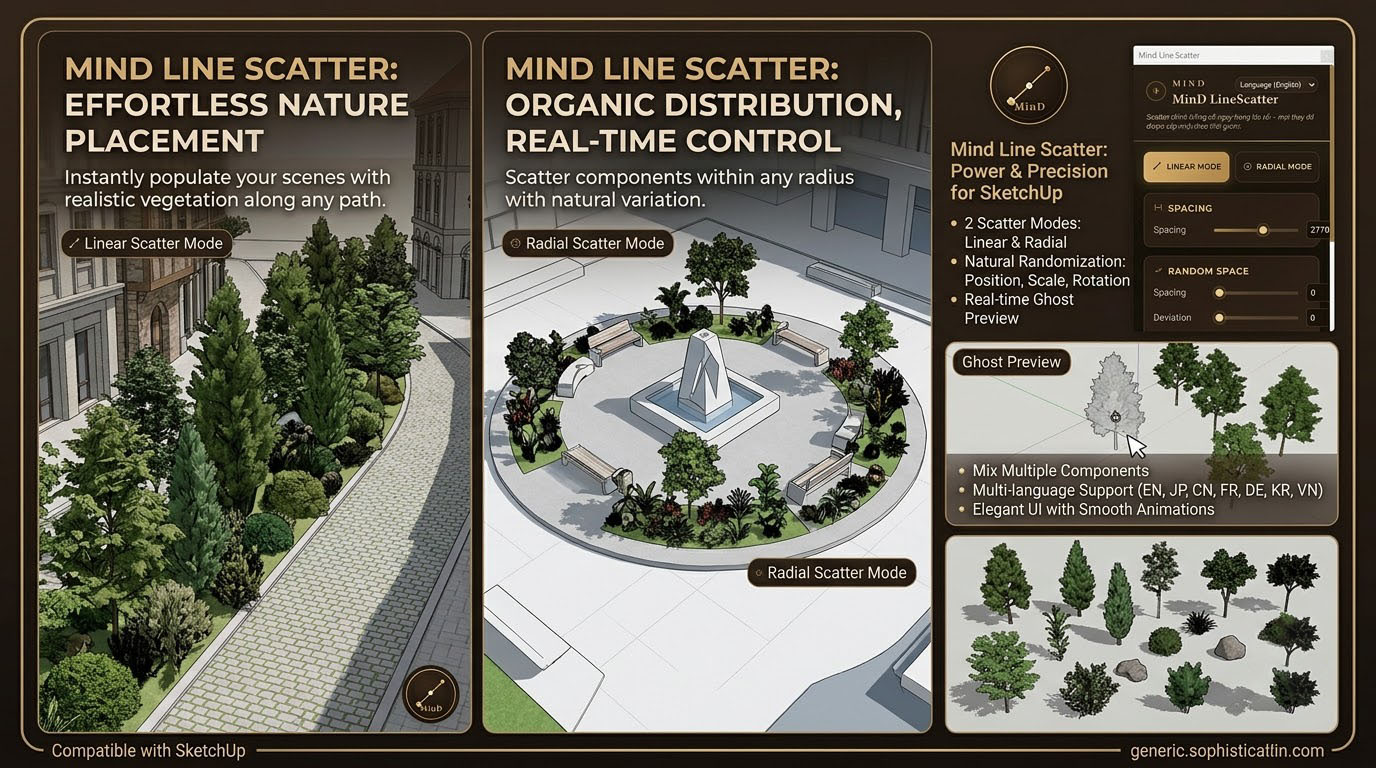
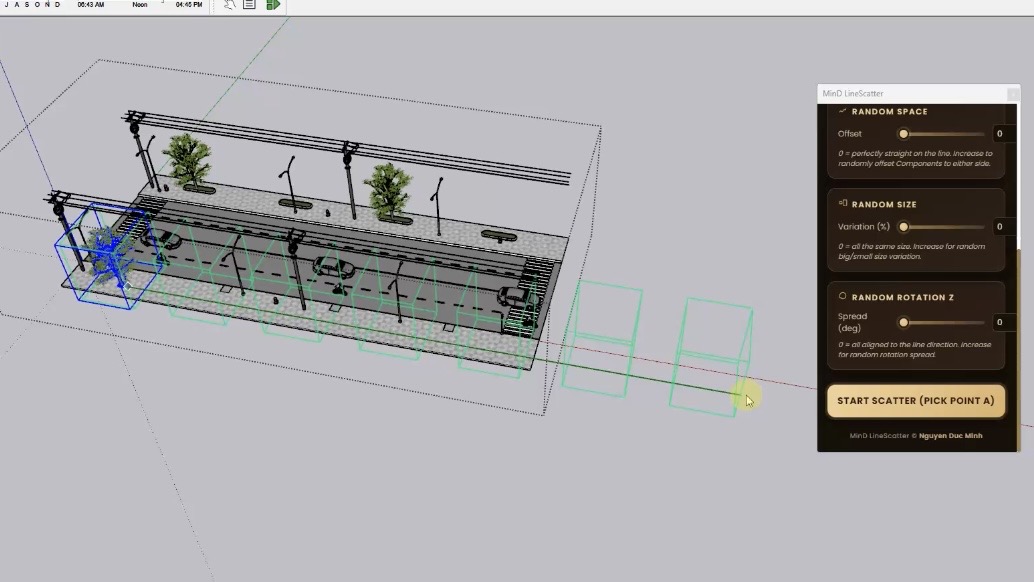
Scatter groups and components along a straight line — with precise control over quantity, spacing, randomness and rotation.
Free downloadDetails
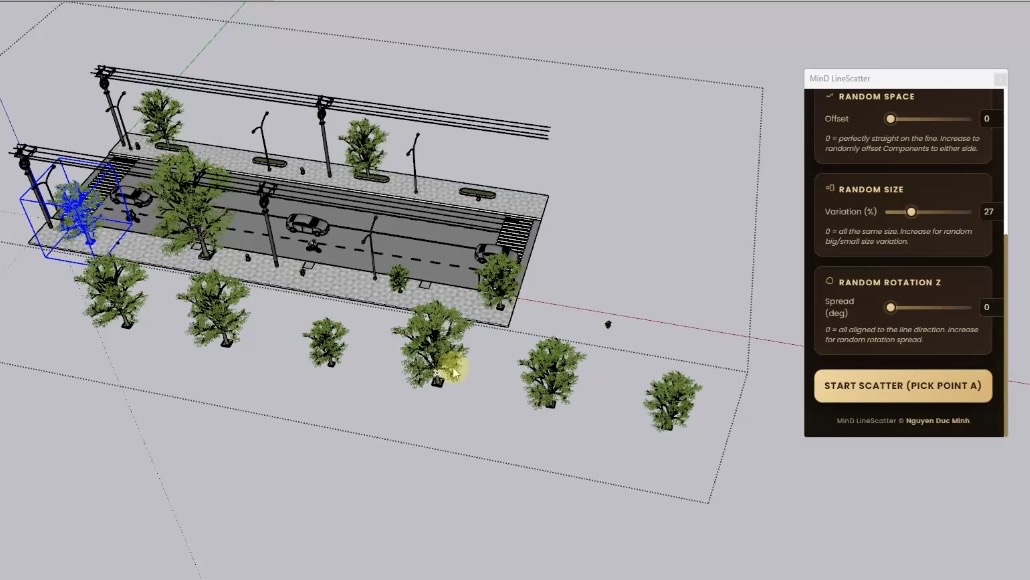
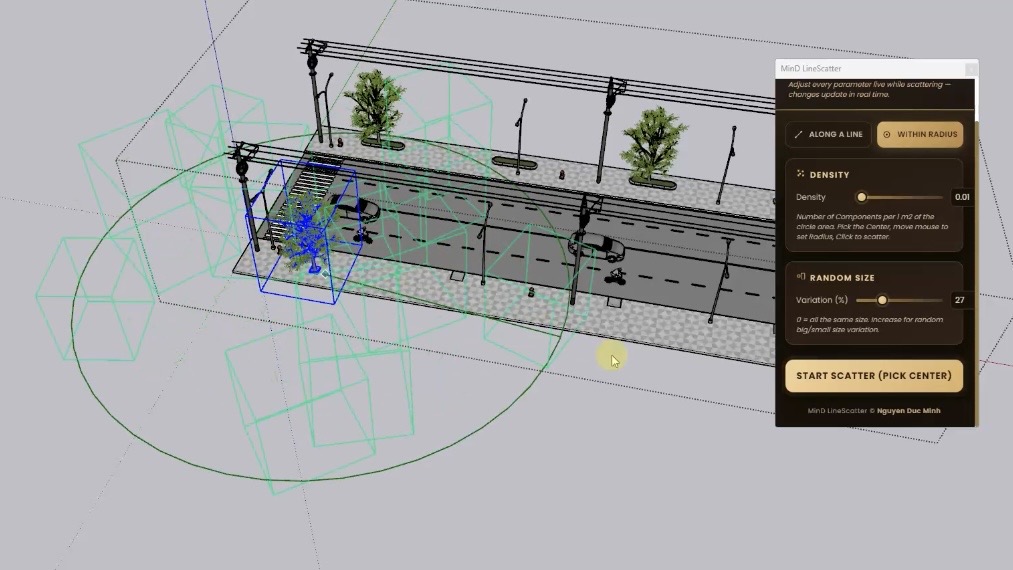
Mind Line Scatter is a SketchUp tool developed by MinD Design to quickly distribute groups and components along a straight line. Built for architects, interior and landscape designers and 3D artists, it simplifies repetitive placement tasks with more control and precision.
Select the group or component, launch Mind Line Scatter, draw the line and adjust the parameters. Quantity and spacing give you tidy, precise layouts; Random Space and rotation add natural variation when working with vegetation or landscape elements.
Scatter trees, shrubs, columns, lights, furniture, bollards, fences, façade elements, decorative objects and any repeating component — for architecture, landscape, interiors, urban and façade design, and 3D visualisation.
More tools
v1.0.0 · SketchUp 2022 – 2026
Automatically calculate material areas and estimate wood panels right inside SketchUp — with absolute precision for professional workflows.

Tell us about your site, your needs and your budget — MinD Design will turn your ideas into a clear design plan.
Get in touch