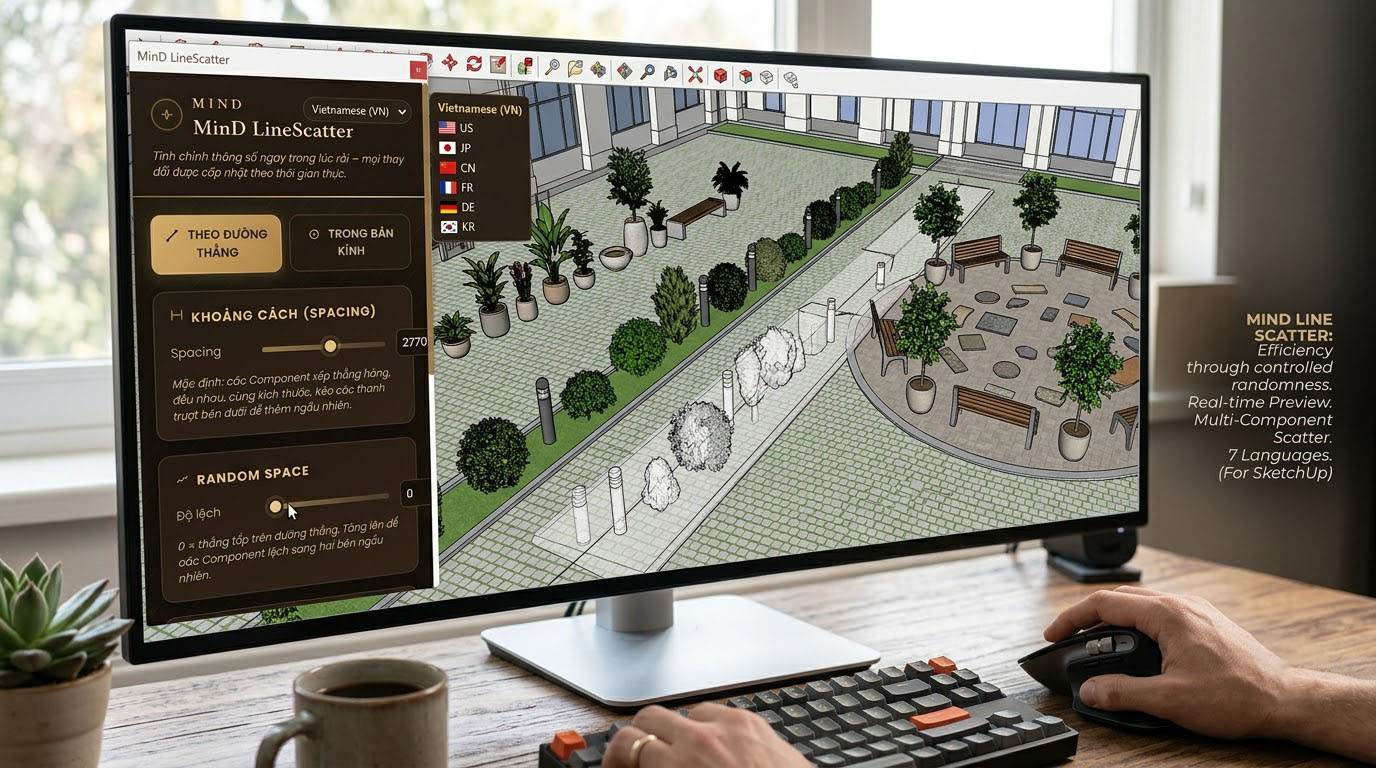

Mind Line Scatter
v7.0.0 · SketchUp 2022 – 2026
Scatter groups and components along a straight line — with precise control over quantity, spacing, randomness and rotation.


“Good tools free up time for creativity. MinD Design’s SketchUp plugins are written from the real needs of architects and interior designers — and shared for free.”
2 plugins · Free
v7.0.0 · SketchUp 2022 – 2026
Scatter groups and components along a straight line — with precise control over quantity, spacing, randomness and rotation.
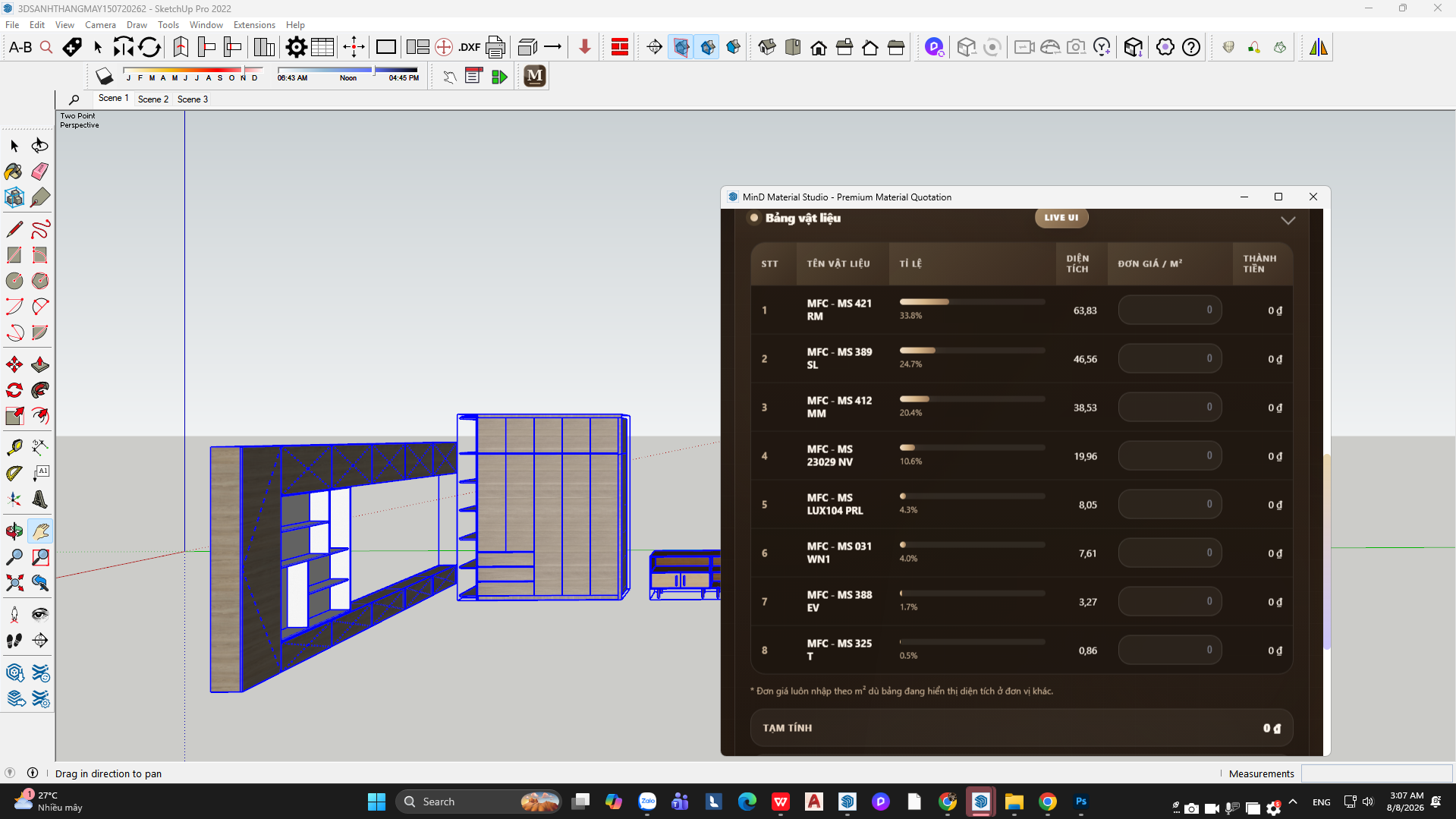

v1.0.0 · SketchUp 2022 – 2026
Automatically calculate material areas and estimate wood panels right inside SketchUp — with absolute precision for professional workflows.
How to install
Open Extensions › Extension Warehouse, search for the plugin name and click Install.
Click “Free download” to get the .rbz file, then go to Extensions › Extension Manager › Install Extension and select it.
The plugin appears in the Extensions menu and toolbar. Need help? Email [email protected]
Tell us about your site, your needs and your budget — MinD Design will turn your ideas into a clear design plan.
Get in touch